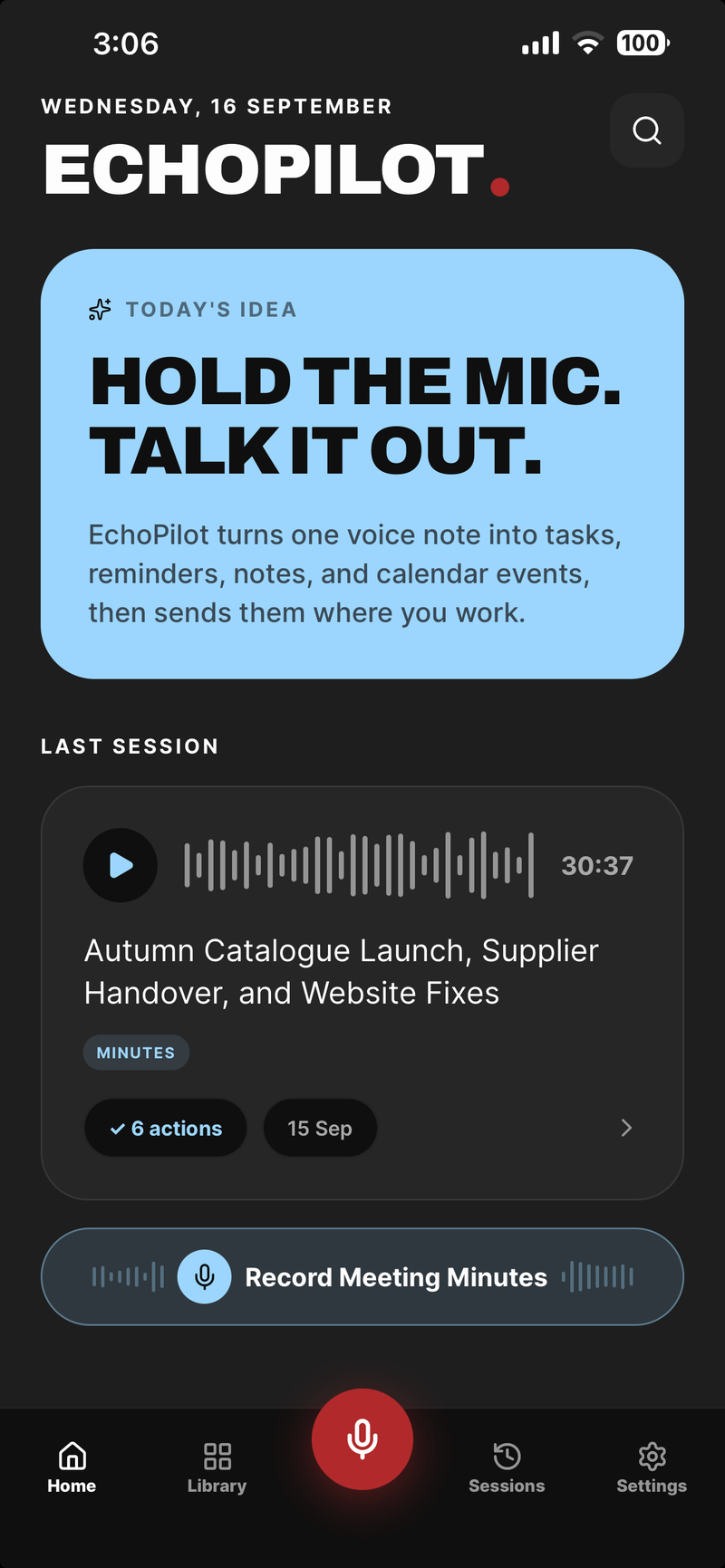
The most expensive failure a meeting recorder can have is not a bad summary. It is the recording that was not there: the app that stopped when the screen locked, the file that was only written at the end and never finished, the upload that failed and took the audio with it. Everything else in EchoPilot depends on the audio existing, so the meeting recorder is designed around one rule: at any moment, the recording should be as complete as it can possibly be.
This is how that works.
The recording is a series of segments
EchoPilot does not record a meeting as one long file. It records a series of short segments, rotating to a new one every 150 seconds. A four-hour meeting, the longest a Pro recording runs, is 96 segments; an hour on Free is 24.
Each segment is finished and written to durable storage on the device as soon as it closes. A crash, a reboot or a flat battery can only cost the segment that was open at the time, at most two and a half minutes and usually far less, because the file on disk is always a set of complete segments rather than one half-written file.
When a segment is written, EchoPilot records its size and an MD5 checksum. If a segment changes while it waits to upload, the change is detected, and that stretch becomes an explicit gap instead of corrupt audio.
Interruptions finish the segment first
Phones interrupt recordings: a phone call, another app taking the audio, headphones being unplugged. On iOS these arrive as audio session interruptions and route changes; on Android as audio focus and device changes.
In every case, EchoPilot finishes the current segment before it pauses or rotates, so nothing recorded before the interruption is at risk. The time the interruption lasted is saved as well, and the assembled transcript marks it as an interruption with its start and end, rather than joining the audio either side as if nothing happened.
The same honesty applies to any segment that cannot be recovered: the transcript says which minutes of audio are unavailable. A summary built from a recording with a hole in it should be able to tell you there is a hole.
Recording does not wait for the network
A meeting starts recording immediately, on the phone and on the desktop app, without waiting for the server. The only thing that can stop a recording in progress is an actual answer from the server, such as a device that has been signed out, never the absence of an answer. A room with no signal records exactly like a room with good signal.
Finished meetings wait in a durable queue on the device. The queue is worked through oldest first, when the app launches, when it comes to the foreground and on its own timer, using the same finalising code as a meeting recorded online. A meeting that keeps failing is set aside for a while so the ones behind it are not stuck. Because it is a queue rather than a single slot, an afternoon without signal can produce several meetings, each uploaded and written up when a connection returns.
A meeting is not considered done when its audio is uploaded. It stays in the queue until the server has also written the minutes and extracted the action cards. Local audio is only removed once the server has confirmed it holds the same audio and the transcript is ready.
Space and safety stops
Before a meeting starts, EchoPilot checks the free space on the device: low space asks you to confirm, and critically low space blocks the recording. During a long recording, a watchdog can reclaim space, but only by removing local copies of segments the server has already confirmed, and it stops the recording safely before the device runs out.
A recording lock prevents an accidental tap in a pocket from pausing or stopping a meeting. It never blocks the safety stops: interruptions, critical storage, the length limit and recovery all still work.
Processing resumes where it stopped
A four-hour transcript is too long to summarise in one pass, and a single long-running job is exactly the kind of thing that fails halfway. On the server, a meeting is processed in windows of 12 segments, about 30 minutes each. Each window is summarised on its own, one bounded step at a time, and a window that has finished is never repeated. If processing is interrupted, it resumes from the next unfinished window.
The final merge combines the window summaries, so no step ever sends a four-hour transcript to a model in one go. Each section of the minutes, the summary, the notes, the key points, the action items, has its own status, so a slow section never hides a finished one.
On the desktop
The Mac and Windows apps follow the same design, with a few differences. Segments are encrypted on disk with AES-256-GCM, under a key held in the operating system’s keychain, and the app refuses to record if the operating system cannot provide that encryption. The queue’s record of each meeting is written with a recovery copy in the same write.
Audio is encoded as 32 kbps AAC. That is a deliberate choice: a 150-second segment at 48 kbps, the lowest rate one of the encoders would accept, is larger than the gateway’s per-upload limit, while 32 kbps keeps each segment around 540 KB and inside it. For speech, 32 kbps is ample.
On the phone
On iPhone, recordings are protected by the platform’s file protection. The level is chosen explicitly: the strictest level makes files unwritable while the phone is locked, which would stop every segment from being written during a meeting recorded with the screen off, so recordings use the level that stays writable once the phone has been unlocked after starting up. On Android, app data is excluded from device backups.
How we know it works
Code that is meant to survive failure has to be tested by failing. Before the meeting recorder was released, it passed three physical recordings of three to four hours on real devices, along with interruption and recovery checks, and the device checks are run again whenever the way a meeting is finalised or uploaded changes. The security page covers how recordings, transcripts and connected accounts are protected once they leave the device.