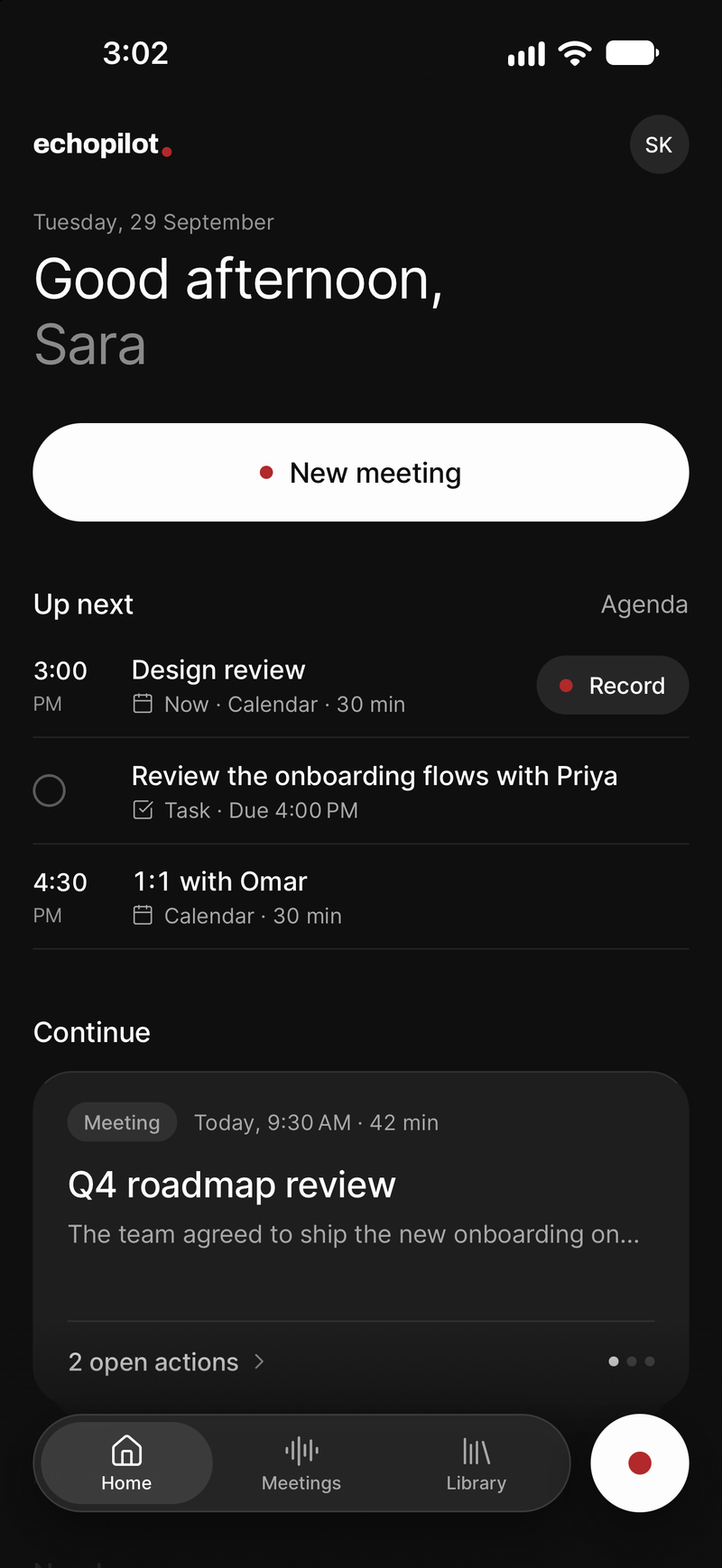
Most AI note takers need the internet twice: once to join or stream the meeting, and once to write the notes. That is fine in an office and useless in a basement, on a plane, at a building site or in the hospital corridor where the conversation actually happens. The way around it is a meeting recorder that records to the device first and treats the network as something that comes later.
Why so many tools fail offline
A notetaker bot lives on the vendor’s servers and joins a video call; with no call, there is nothing for it to join. A web app that transcribes live sends audio to a server as you speak, so a dropped connection drops the transcript with it. And a few apps will not even open without checking in with their server, which means a locked phone in a no-signal room cannot start a recording at all.
None of this is about the microphone. Your phone can record for hours with no connection. The question is whether the app was built to.
What to check before you rely on an app
- Does it open with no connection? Turn on airplane mode and open the app. If it shows a spinner or a sign-in wall, it will do the same in the basement.
- Does it record to the device? Look for a statement that audio is saved locally and uploaded later. “Live transcription” is a sign that it streams instead.
- What happens to a long recording? An app that assembles the file at the end can lose all of it in a crash. One that writes as it goes loses seconds.
- Does it upload by itself? You should not have to remember to press anything when the signal comes back.
- Can you record more than one meeting while offline? A day on site is several conversations, not one.
How EchoPilot records offline
Once you have signed in on a device, EchoPilot opens and records with no connection at all. Audio is written to disk in segments as the meeting runs, so an incoming call, a flat battery or a crash costs seconds rather than the meeting, and a four-hour recording on Pro is still one recording. You can record several meetings in a row while offline; none of them waits for the others.
When the phone is back online, the recordings upload themselves, in the background, and nothing is ever uploaded twice. The Mac and Windows app works the same way for a call recorded on a laptop with a flaky connection.
What waits for the connection
The transcript and the minutes are written on the server, so they arrive once the upload has landed, usually a few minutes after you are back online. Until then the meeting shows as waiting to upload, with the reason, and the recording is safe on the device. Highlights you marked during the meeting are kept with it and come back in the minutes at the moment you marked them. Ask, which reads the transcript, answers once the transcript exists.
What you do not get offline is a live transcript, and that is by design: the trade is a recording that never depends on the signal.
A note on the room
Recording without internet does not change the rules of recording. Tell the people in the room, as you would with any recorder; the consent guide covers the general shape of the law. And put the phone where it can hear everyone: on the table, screen locked, not in a bag.