The capture you would not have got your phone out for.
Tap once on the watch, speak, and lower your wrist. The capture is queued to your iPhone, transcribed, and turned into tasks and reminders you approve, even when the phone was out of reach at the time.
- One tap to record
- Works with the phone out of reach
- Today’s tasks on your wrist
One tap, then speak
Open the watch app, tap Record, and say it. Short captures, for the thought that would otherwise be gone.
Queued, never lost
The watch records on its own and sends the audio when the iPhone is reachable. A capture waits; it is not dropped.
Transcribed on the phone
The iPhone transcribes it, drafts the tasks and reminders, and shows the processing status back on the watch.
Today, on your wrist
Timed and overdue tasks and upcoming reminders, with Mark Done for EchoPilot tasks and Apple Reminders.
What it looks like
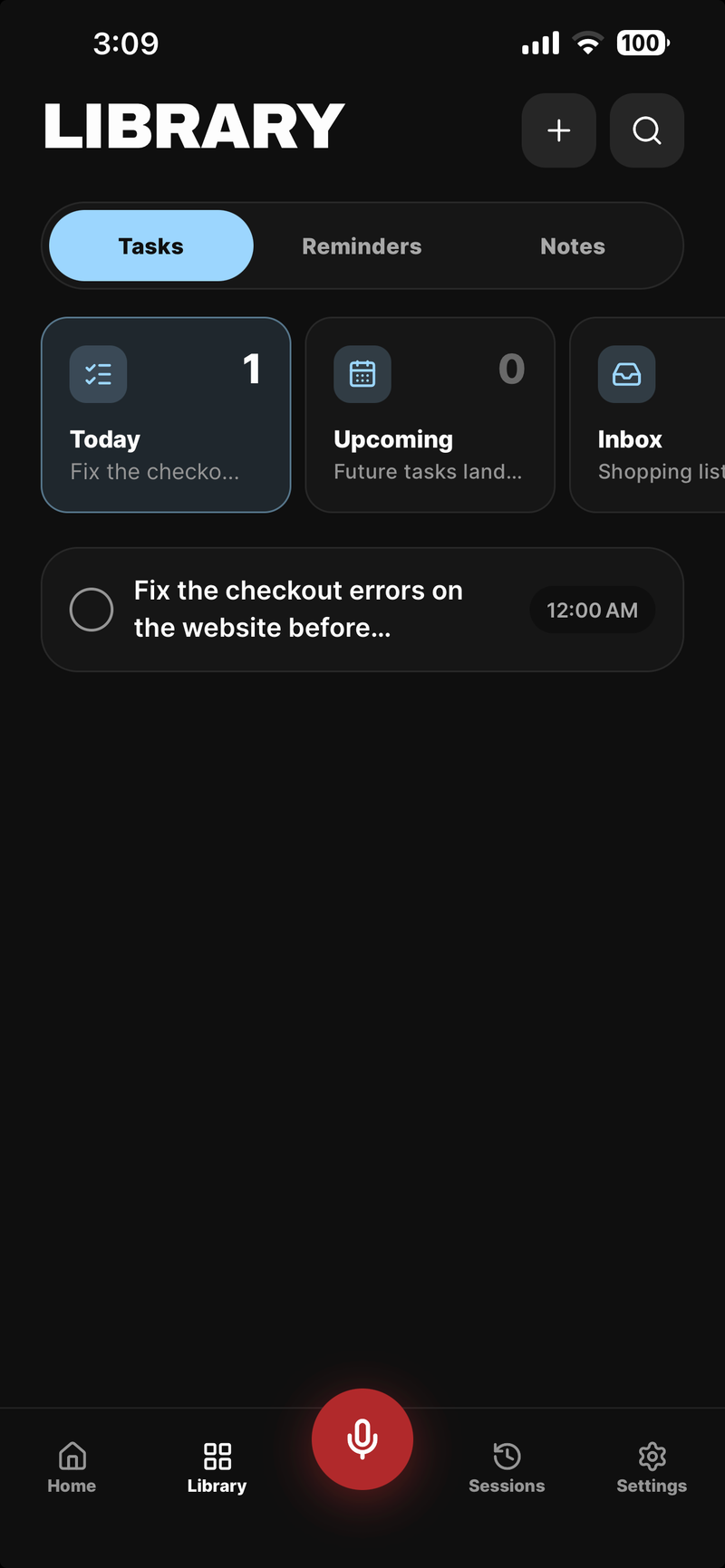
A watch capture becomes a task in the Library, on the phone
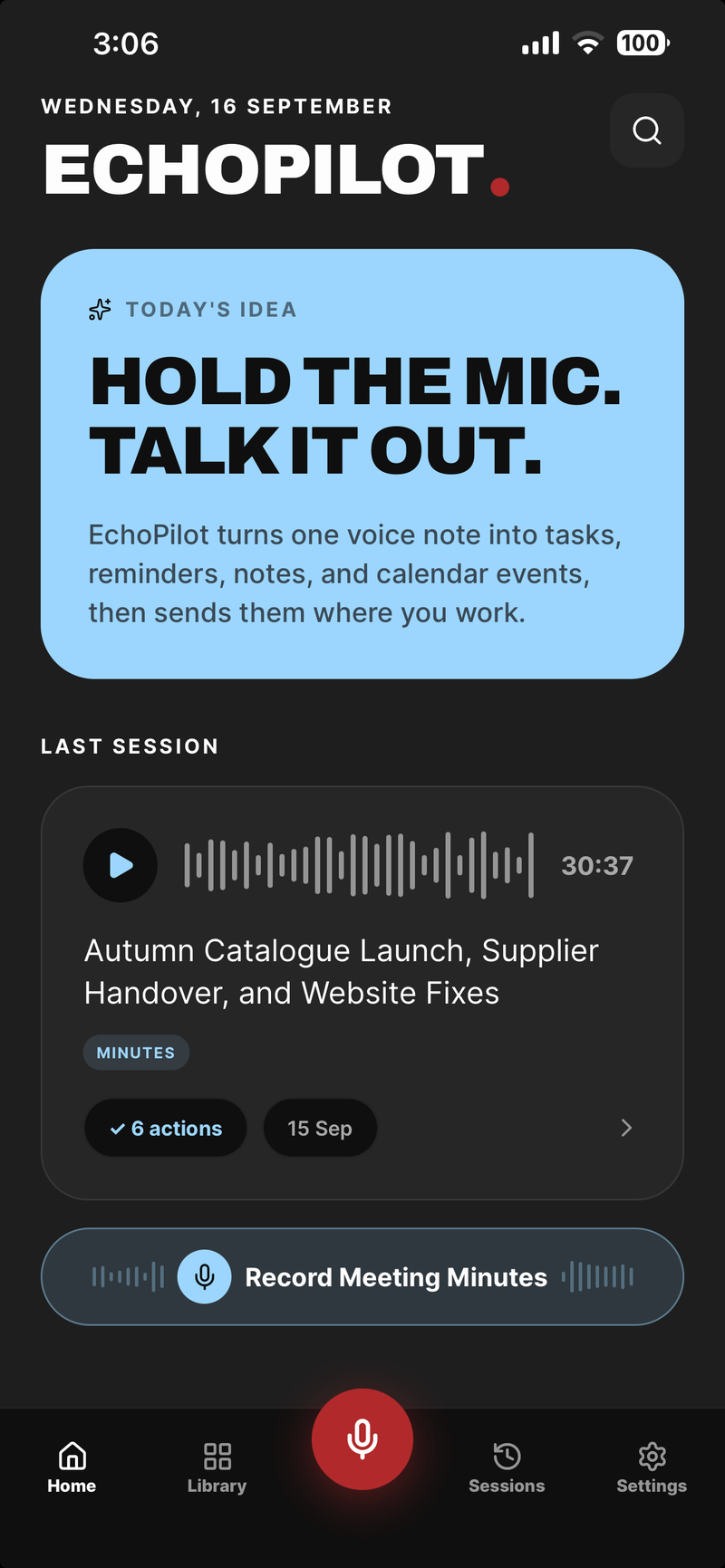
The iPhone app the watch pairs with
Apple Watch, in depth.
Some of the most useful things you say are said with your hands full. The Apple Watch companion exists for those: the decision on the way out of a meeting, the name you must not forget, the reminder for tomorrow. It is part of EchoPilot for iPhone, and it is built to be faster than getting the phone out.
One tap, then speak
Open the watch app and tap Record. The watch records locally, in its own audio, and stops when you tap again or when a short capture reaches its limit. There is nothing to sign into on the watch and nothing to configure: it pairs with the iPhone app and inherits your account.
The watch is for the moment, not the meeting. A long recording belongs on the iPhone on the table, or on the Mac or Windows app for a call.
Queued, then transcribed on the iPhone
A capture is queued to the paired iPhone and sent when the system finds the opportunity, so the watch records even when the phone is in another room, locked, or the EchoPilot app is not open. The audio stays on the watch until the iPhone confirms it has been processed; a capture waits, it is never dropped.
On the iPhone the capture runs through the same pipeline as anything you record there: transcribed, refined, and turned into action cards for the tasks and reminders it contains, each waiting for your approval. The watch shows the processing status, so you know when it has landed. Detailed editing and the full history stay on the phone, where there is a screen for them.
Today, on your wrist
The watch shows today’s timed and overdue tasks and your upcoming reminders, read from the iPhone’s latest snapshot. Mark Done on the watch completes EchoPilot tasks and Apple Reminders. Tasks that live in a third-party app are shown but are completed from the phone, where the connection to that app lives. When iPhone notifications are forwarded to the watch, the Snooze, Dismiss and Complete actions work there as they do on the phone.
What you need
An Apple Watch on watchOS 10 or later, paired with an iPhone running EchoPilot. The watch app installs with the iPhone app from the App Store, on the download page. It works on Free and Pro; a watch capture counts as a voice note, never as meeting minutes.
Questions worth answering.
Does EchoPilot create tasks automatically?
What is in a set of EchoPilot meeting minutes?
Does one subscription cover every device?
Your next meeting can end with the work already drafted.
Install EchoPilot on the phone or the computer you already work on, record the next conversation you would otherwise try to remember, and read the minutes, the transcript and the drafted actions it gives you back.
Questions? support@echopilotapp.com