The meeting recorder already in your pocket.
Put the iPhone on the table and record. It keeps going with the screen locked, and when you stop, the minutes, the transcript and the action cards are written. Start it from a widget, Siri, the Action Button or your wrist.
- Records with the screen locked
- Widgets, Siri and the Action Button
- Apple Watch companion
The room, on the table
Put the phone down and record. It keeps going in the background with the screen locked.
Controls on the Lock Screen
A Live Activity shows the recording on the Lock Screen and in the Dynamic Island, with pause and stop.
Start without opening the app
A Home Screen widget, a Lock Screen widget, Siri, Shortcuts, Spotlight or the Action Button.
From your wrist
The Apple Watch companion captures the moment you would not have got your phone out for.
What it looks like
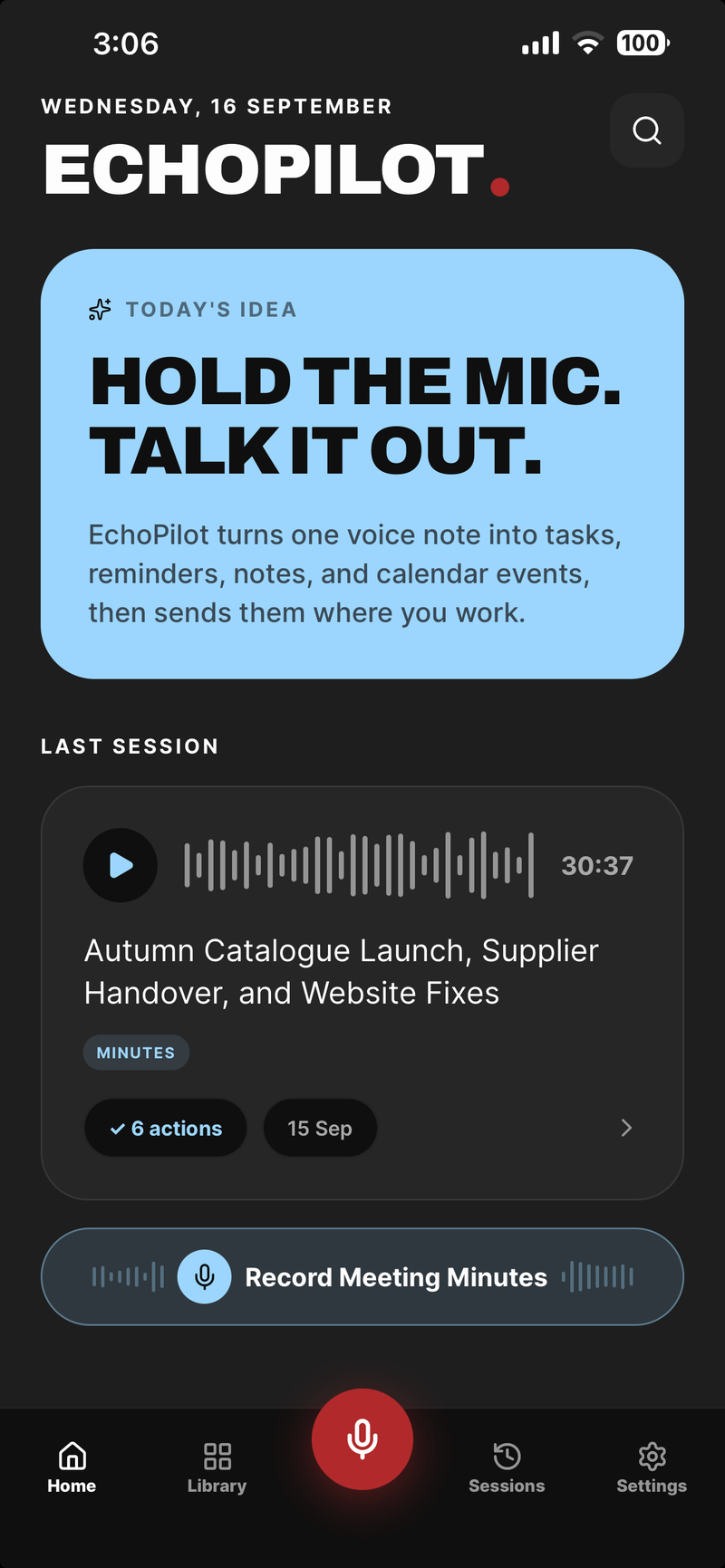
Home: the last meeting, and one tap to record the next
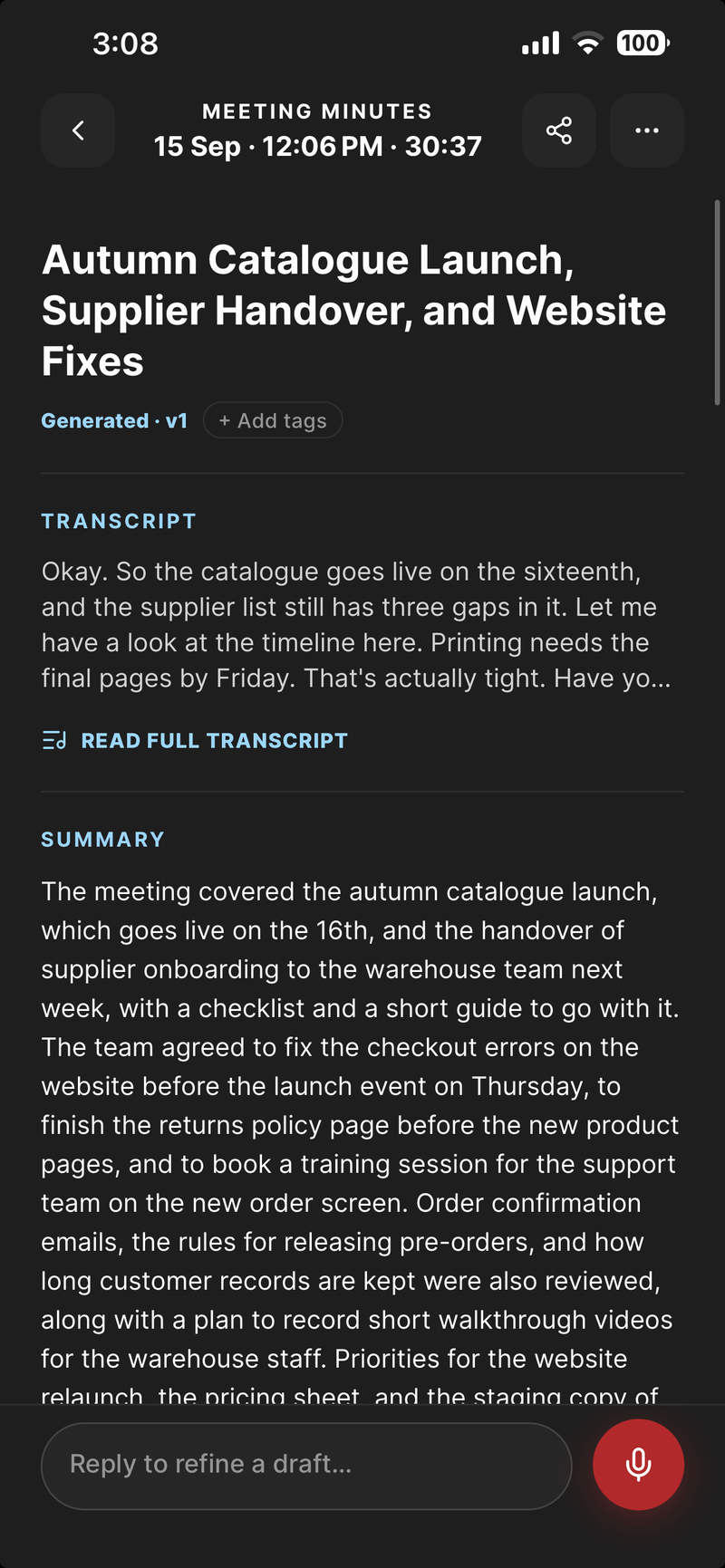
The minutes, on the phone that recorded them
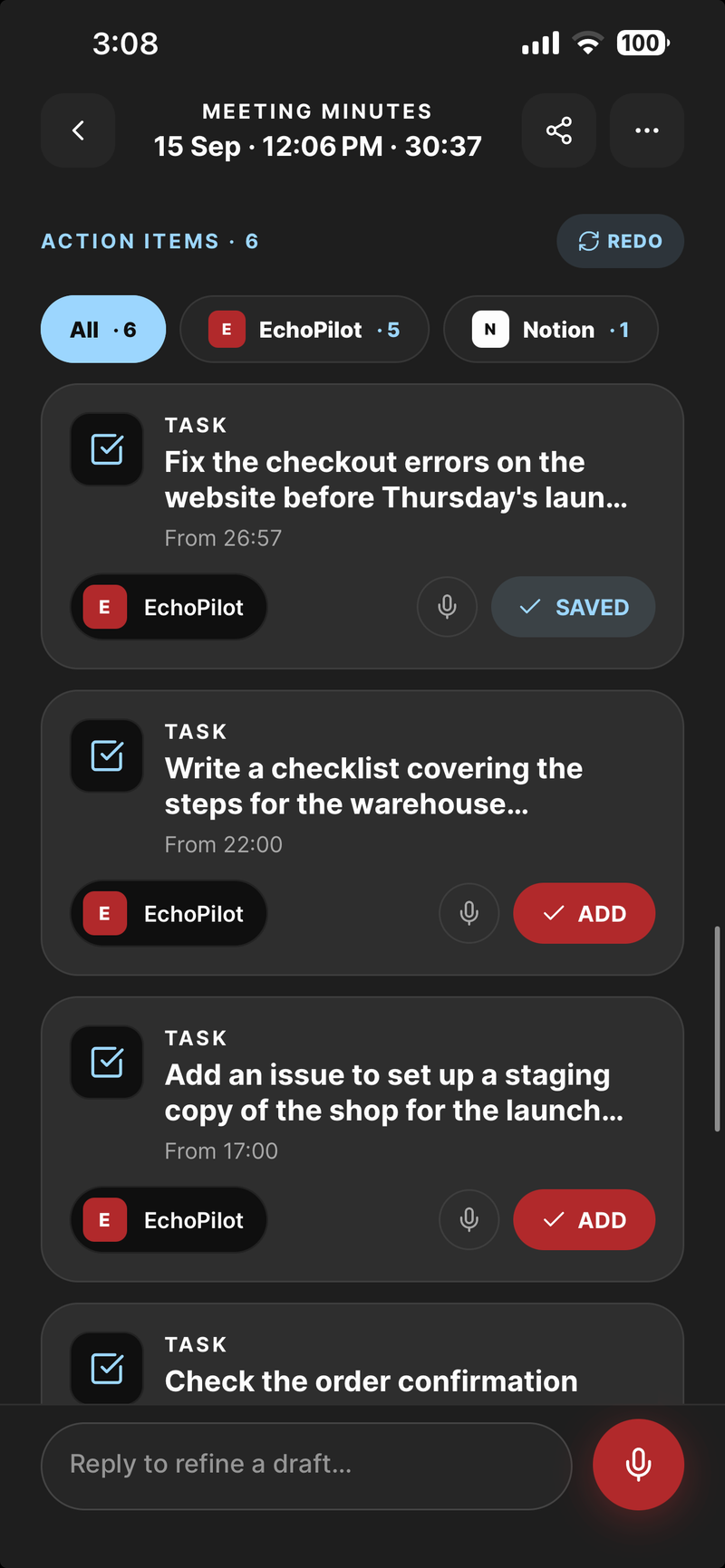
One card per commitment, waiting for approval
iPhone, in depth.
Most meetings are not video calls. They are a conversation across a table, a phone call in the car, a decision made in a corridor. The iPhone is the recorder that is reliably there for all of them, which is why the AI meeting assistant starts here.
Record with the screen locked
Put the phone on the table, tap Record, and put it away. Recording continues in the background and with the screen locked. Audio is written to disk in segments as it goes, so an incoming call, a flat battery or a crash costs you seconds rather than the meeting, and an interrupted recording can be resumed. If a call comes in, the recording pauses for it and the gap is marked, so the minutes never pretend the call did not happen. The meeting recorder page goes through each of those cases.
A Live Activity keeps the recording on the Lock Screen and in the Dynamic Island, with pause and stop, so you never have to unlock the phone to check that it is still going.
What comes back
When you stop, the meeting is transcribed and written up: a titled set of Meeting Minutes with a summary, timestamped notes, key points, decisions, open questions and action items; a searchable transcript synced to the audio, so any line plays the moment it came from; and one action card per commitment, with a destination already chosen, waiting for you to approve it. Nothing is created anywhere until you do.
Nothing joins the meeting either. There is no bot to invite and no second device to buy.
Start it without opening the app
The faster it is to start, the more often the useful thing gets recorded. On iPhone, EchoPilot starts from a Home Screen widget, a Lock Screen widget, Siri, a Shortcut, Spotlight or the Action Button. The widgets can hide meeting titles if you would rather they did not show on a locked phone. Text shared from another app lands in EchoPilot through the share sheet.
Apple Watch
The Apple Watch companion is for the recording you would never have started because getting your phone out would have interrupted the moment. Tap once on the watch, speak, and the capture is queued to your iPhone, where it is transcribed and turned into tasks and reminders like anything else. Today’s tasks and upcoming reminders are on the watch too.
Reminders that hold the screen
Some commitments are moments rather than tasks. EchoPilot’s reminders are alarm-style: they take the screen instead of waiting quietly in a notification list. Ordinary tasks go to your task manager, where they belong.
Everything, everywhere
A recording made on your iPhone is immediately available in the web app and, if you use one, in the Mac or Windows app. One account and one subscription cover all of them: Pro bought in the iPhone or Android app, or on the web, unlocks iPhone, Android, desktop and web for the same account.
EchoPilot for iPhone is on the App Store, from the download page.
What this does not claim
Segmented, resumable recording. Audio is written to disk as the meeting runs, so an interruption does not lose it. A whole meeting can be recorded with no connection and uploads itself later.
Guides
Questions worth answering.
How long can a meeting recording be?
Can I see a meeting while it is still being recorded?
What happens if I lose signal during a meeting?
Does a bot join my meeting?
Your next meeting can end with the work already drafted.
Install EchoPilot on the phone or the computer you already work on, record the next conversation you would otherwise try to remember, and read the minutes, the transcript and the drafted actions it gives you back.
Questions? support@echopilotapp.com